

Marketing destinationAdvertising

Google Ad Manager

Activate customer segments in Google Ad Manager to deliver targeted ads, optimize inventory, and improve campaign performance.

High-value customersCustomer segment
Include
Existing customersCustomer segment
Exclude

Google Ad ManagerGoogle Ad Manager

Reach the right people

Always-current audiences

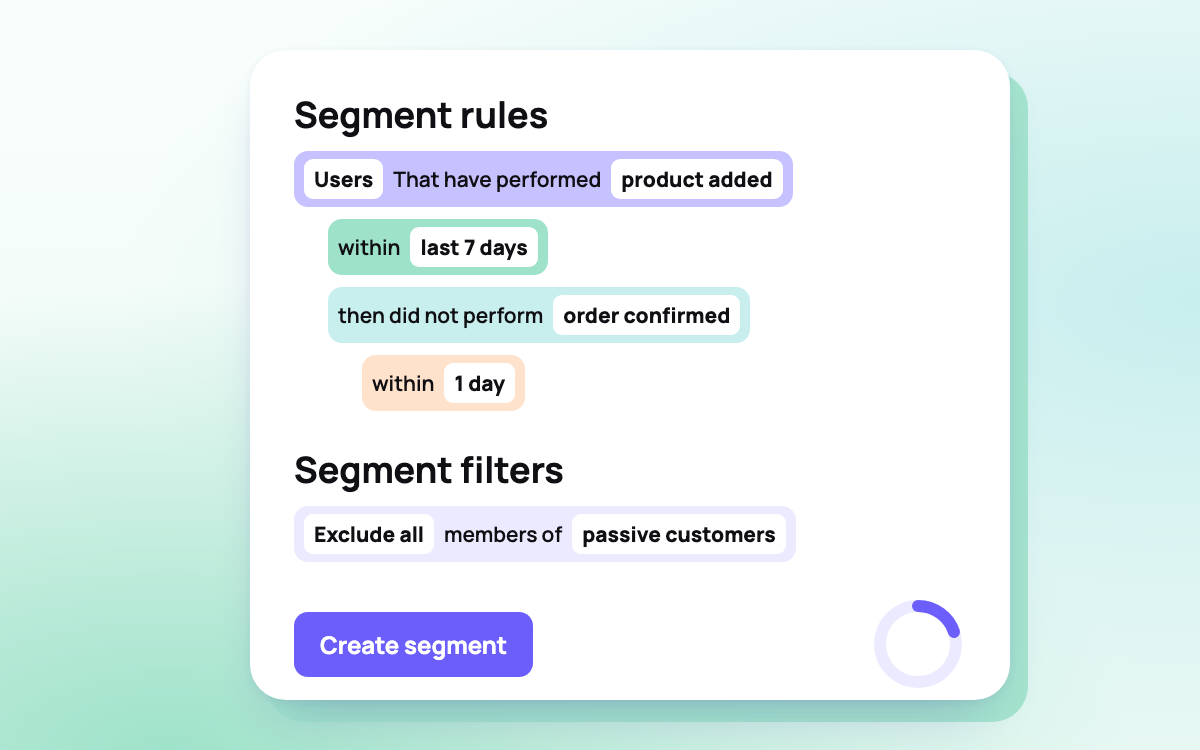
Sync customer segments to Google Ad Manager and refresh their membership from your warehouse data.

Targeting valuesSegment membership
Keydinmo_segments
Valuehigh_value
MembershipIn segment
Google Ad ManagerGoogle Ad Manager

Enrich targeting

Segments available for targeting

Synchronize Google Ad Manager targeting keys and values with segment membership stored in Firestore.

Connect, step by step

DinMo supports the following destination services

Available services: audiences through batch upload and targeting keys/values through Firestore.

Step 01 / 04

Choose Google Ad Manager

Connect Google Ad Manager through OAuth2 and choose the Network Code. The key/value path also requires a Firestore platform and collection.

Platform selection for Google Ad Manager

Useful resources

Articles about Google Ad Manager

Adopting audiences strategies
Article · 3 min

Adopting audiences strategies

Why using First Party data is crucial?
Article · 4 min

Why using First Party data is crucial?

Implementing effective market segmentation
Article · 7 min

Implementing effective market segmentation

Other destinations

Your data has potential

Unlock it with DinMo

Discover how to connect Google Ad Manager to your marketing workflows.