DinMo

Solutions

Product

Resources

Destination

Meta Ads

Advertising

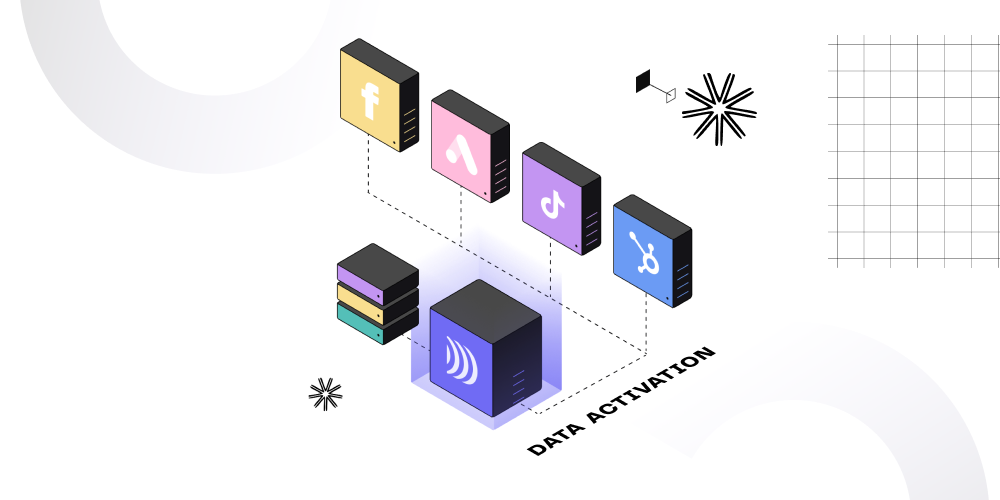
Maximize your Meta Ads campaigns with DinMo's data activation and Meta Ads' Custom Audiences, reaching high-value customers more effectively

Data Warehouse

DinMo

Your audience

Meta Ads

How DinMo & Meta Ads work

Learn how to use DinMo with Meta Ads in just a few simple steps:

  • To get started, connect DinMo to your Meta Ads account
  • After connecting your accounts, you are ready to create an audience in DinMo using all the available data in your Knowledge Store. The audience will be used for your Meta Ads campaigns
  • Once you have created your audience in DinMo, you can share it with Meta Ads
  • Meta Ads will match your audience with their known users using Customer Match, and you can check the resulting match rate in DinMo
  • DinMo automatically updates your audience, ensuring that it is always current and accurate

Thanks to this seamless integration, you can easily create qualified audiences and use them for successful marketing campaigns on Meta Ads!

Related articles

Other destinations

Equativ

destination

Equativ

Maximize your advertising performance with DinMo’s Equativ integration, enabling smarter monetization and real-time optimization in just a few clicks.

Advertising
Conversion

Coming Soon

InMobi

destination

InMobi

Activate your customer data for personalized mobile advertising, programmatic campaigns, and optimized user acquisition across premium in-app inventory in InMobi with DinMo.

Advertising

Coming Soon

LiveRamp

destination

LiveRamp

Activate your audiences everywhere—safely and seamlessly—with DinMo and LiveRamp in a few clicks.

Advertising
Marketing

Coming Soon

Outbrain

destination

Outbrain

Use DinMo to run native advertising campaigns via Outbrain by sending highly qualified audiences in a few clicks

Advertising

Coming Soon

Put your data in motion and get value everywhere