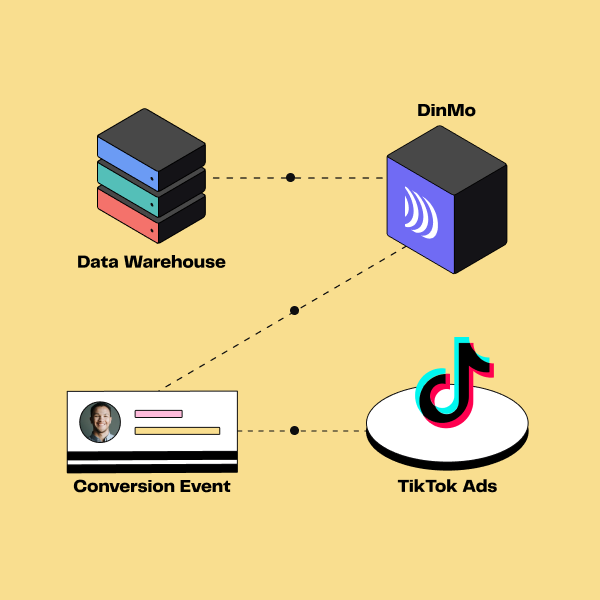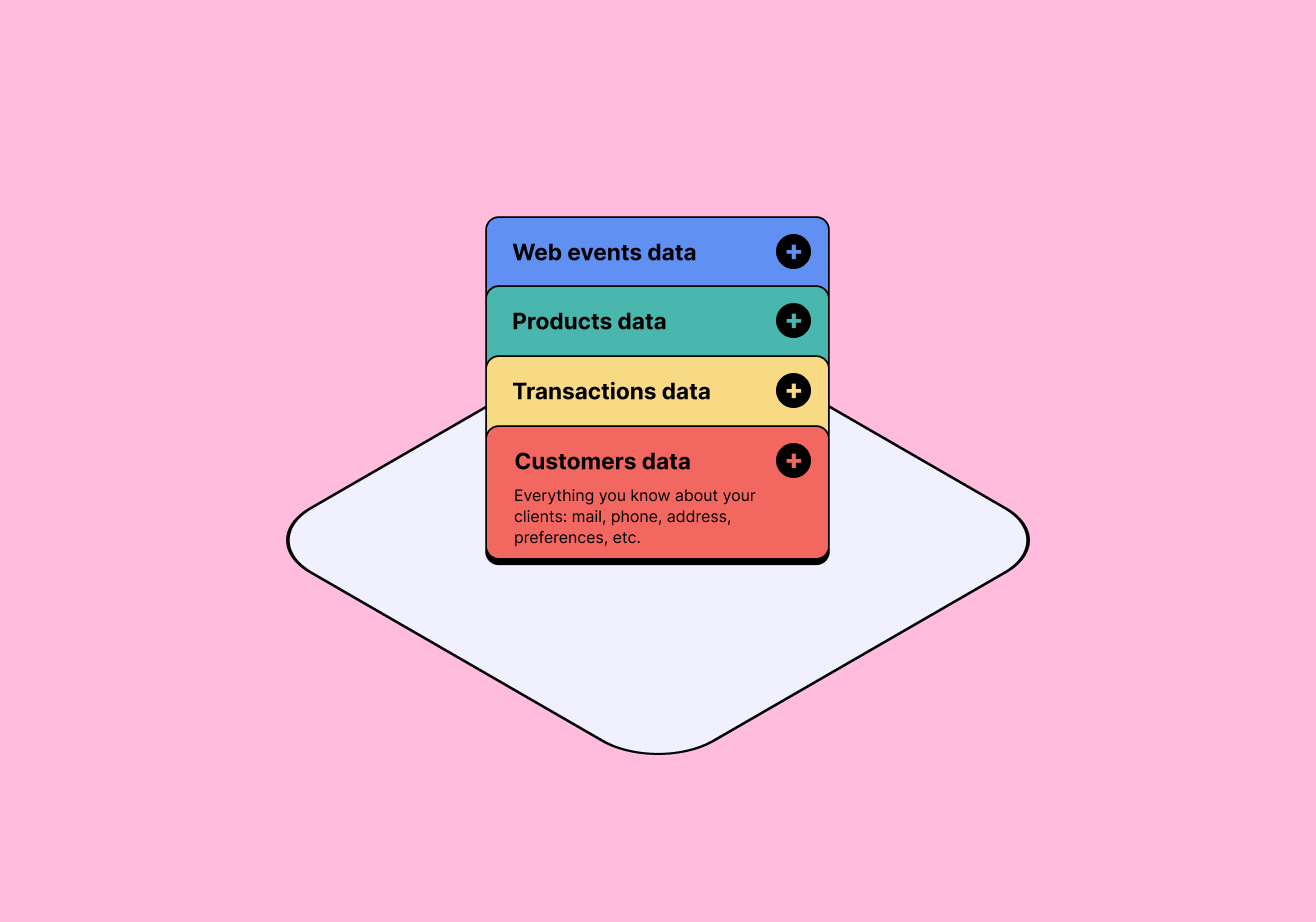


Data Warehouse
DinMo


Your audience



ChatGPT Ads
Activate conversions, catalogues and audiences in ChatGPT Ads
DinMo supports all three ChatGPT Ads integrations from your data warehouse:
- Conversions: send online and offline events to measure purchases, qualified leads and other meaningful business actions.
- Product catalogues: supply feeds with the product references, descriptions, prices, availability, images and URLs needed for product ads.
- Audiences: synchronise customer segments to populate campaign audiences and exclusion lists.
Connect your ChatGPT Ads account, select the data to activate, configure the required fields and set a sync schedule. Then check the data received by the advertising platform.
Three integrations connecting campaigns to business data
An attractive CPC is not enough to judge a campaign. Conversion delivery lets you report purchases and qualified leads to assess commercial outcomes. Catalogue feeds keep advertised product information current. Audience synchronisation lets you define which customer groups to include or exclude. DinMo supports all three data flows and their synchronisation from your data warehouse. Define meaningful events, products to promote and relevant customer segments, then track performance. Consent rules and ChatGPT Ads audience requirements still apply.