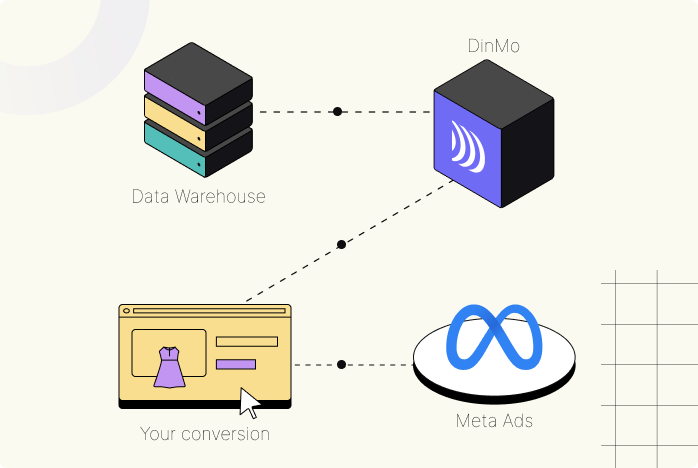


Data Warehouse
DinMo


Your audience



Meta Conversions API
Sync your conversions from your data warehouse with Meta
Learn how to use DinMo with Meta Conversions API (CAPI) in just a few simple steps:
- To get started, connect DinMo to your Meta account
- Create an Event segment in DinMo for your offline or online conversion events.
- Sync the segment with Meta and select "Conversions API" as the destination.
- DinMo will enrich your Meta platforms with conversions according to your chosen schedule.
You are now ready to integrate DinMo with your Meta account!
Why should you matter?
Conversion events are among the most critical signals for ad platform algorithms to optimize the performance of your advertising campaigns. By sending offline conversions, you can capture the entire customer lifecycle and get better marketing results. Let's take the example of someone who sees an ads online, but makes the purchase in-store. The algorithm isn't aware of this, so it's important to send back the information so that it stops spending marketing budget on this person.